OBSIDIAN.
A model test
you can play.
Whenever a new AI model arrives, I ask it to help me build a synthesizer. Obsidian brings sound, interaction and design together in an instrument I can actually play.
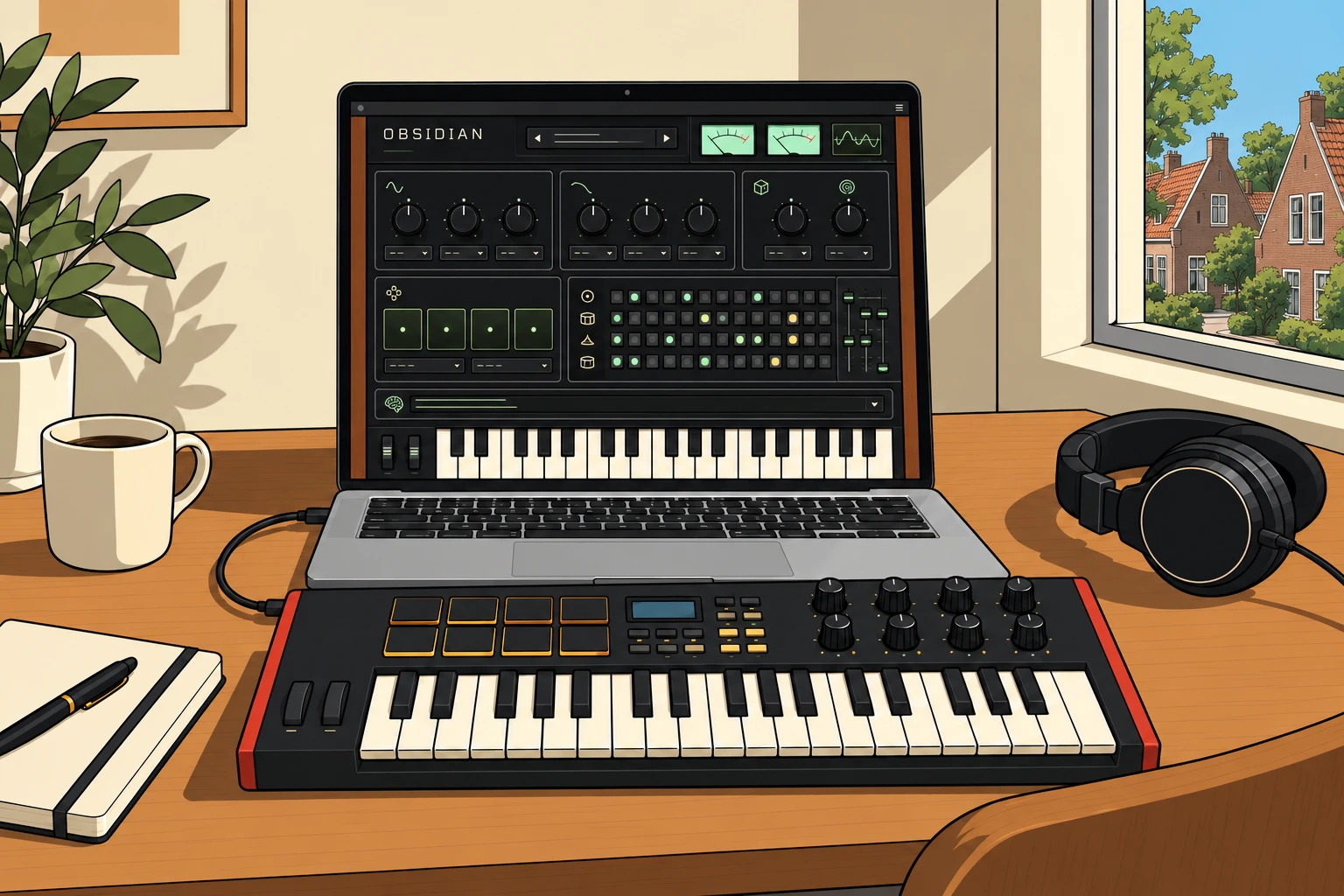
Electronic music keeps drawing me back. I love the way a few carefully chosen sounds can build a whole world: a pulse, a chord, a texture that changes just enough. You can hear that interest throughout this Journal, from Kiasmos and TWO LANES to the instruments of Teenage Engineering.
It also gives me a very enjoyable way to explore AI. Since the early models, I have repeatedly asked AI to help me build a synthesizer. With each new generation I return to that challenge. The results keep improving, and the question becomes more interesting: how far can we get from an idea to an instrument worth spending time with?
Why a synth is such a good test.
A synthesizer puts several difficult things in the same room. The model has to understand how sound is made, how controls affect it and how someone finds their way through the interface. Timing matters. Feedback matters. A beautiful knob should also do something musically useful.
It is a practical test of whether the parts belong together. Play several notes. Turn the filter while a sequence runs. Change a chord without losing the pulse. Record a phrase and hear it come back. Those actions reveal much more than a convincing screenshot.
I can compare generations through a challenge I know and enjoy. This is my own creative yardstick, rather than a controlled benchmark. I bring the direction, listen to what happens and keep asking for changes until the result makes sense in my hands.
A browser becomes an instrument.
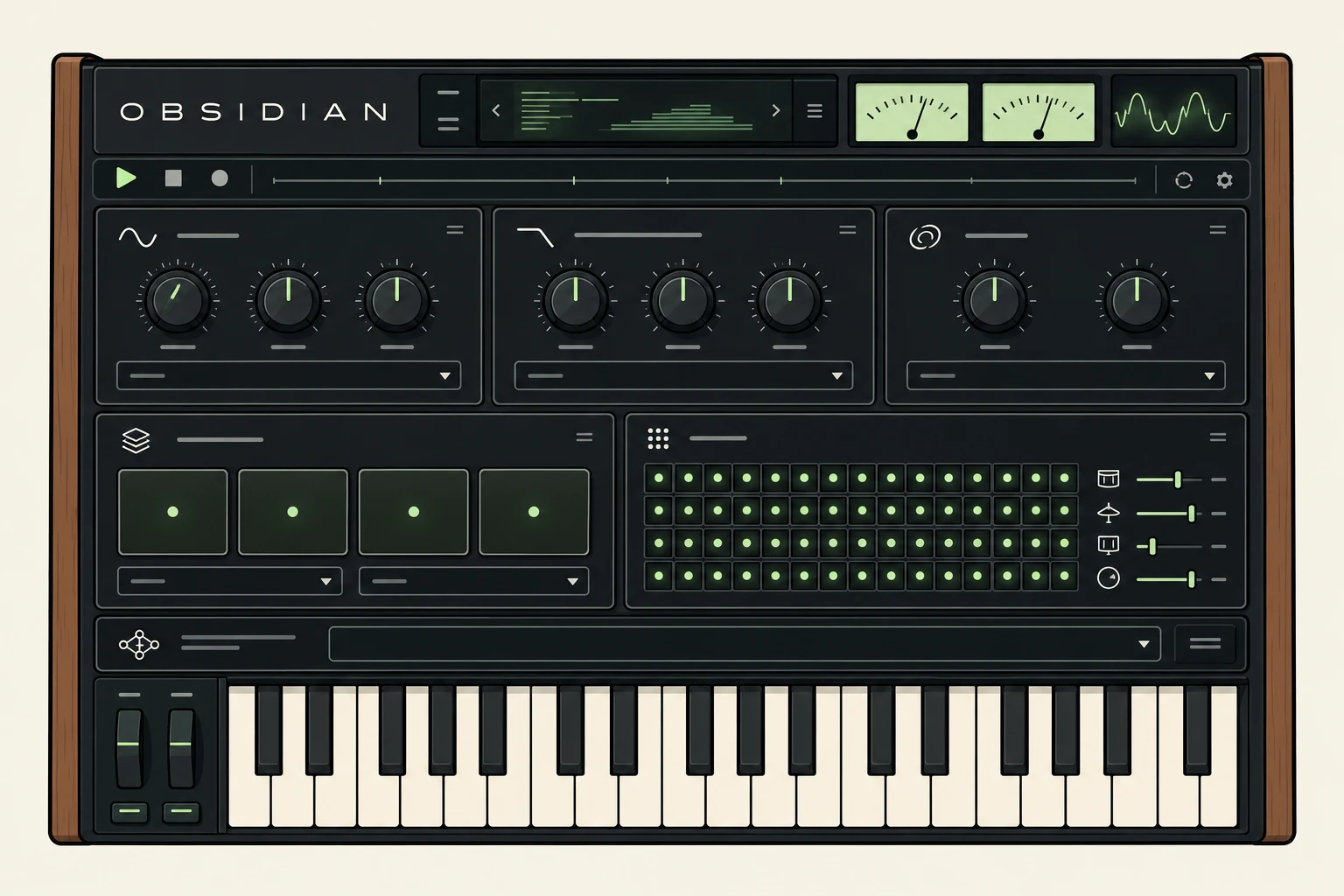
Obsidian is a polyphonic synthesizer built with ChatGPT and Codex. Its sound is generated locally in the browser through Web Audio. There are 36 presets and five sound engines, covering analogue-style oscillators, FM electric keys, metallic bells, organ harmonics and pitched noise textures.
The main controls invite you to shape the sound: Drift, Sub, Drive, Cutoff, Resonance, Release, Echo and Space. The interface borrows the tactile language I enjoy in instruments: a dark panel, restrained lights, needle meters and controls you can understand at a glance.
Four chord pads make it easy to start with harmony. You can choose a progression, change the root and chord type, explore different voicings or switch on the arpeggiator. A separate keyboard sound starts with clean electric piano, so playing a melody does not have to inherit every effect in the scene.
Enough structure to keep playing.
The drum section is a four-part, 16-step sequencer: kick, snare, hi-hat and percussion. There are ready-made patterns, individual levels and swing. I can start with a groove and change it one step at a time. The Variation button offers a local rhythmic variation; it does not call the AI.
A performance loop records one, two or four bars of notes played on the keyboard or chord pads. Recording starts on the next bar and quantizes the phrase to sixteenth notes. That gives me a musical frame to build on while I keep listening.
Scenes can be saved and loaded as JSON, and the last scene is remembered in the browser. There is also output recording for capturing the sound. Together, those features turn a short experiment into something I can return to and continue.
From a prompt to a sound I can shape.
The Neural Atelier adds another way in. I can ask the Scene Architect for a sound, a four-chord progression and a drum pattern; use Patch Sculptor to concentrate on the timbre; or evolve the scene I am already playing. An undo option lets me return to the previous state.
The AI proposes instrument settings. It does not hand me a finished audio file: the browser synthesizes the result, and the controls remain available to me. That is a useful relationship. A prompt opens a direction; playing and listening help me decide what to keep.
The AI functions need an internet connection and have usage limits. They send the prompt and scene settings to the service, rather than recording my microphone. The ordinary synthesis and performance controls can be used without making an AI request.
Hands on. The Akai connection.
I connected my Akai MPK mini Plus because I wanted to move beyond clicking a screen. I also asked for a ready-made controller profile. Keys, pads and knobs should bring me straight into the instrument, with less setup between an idea and a sound.
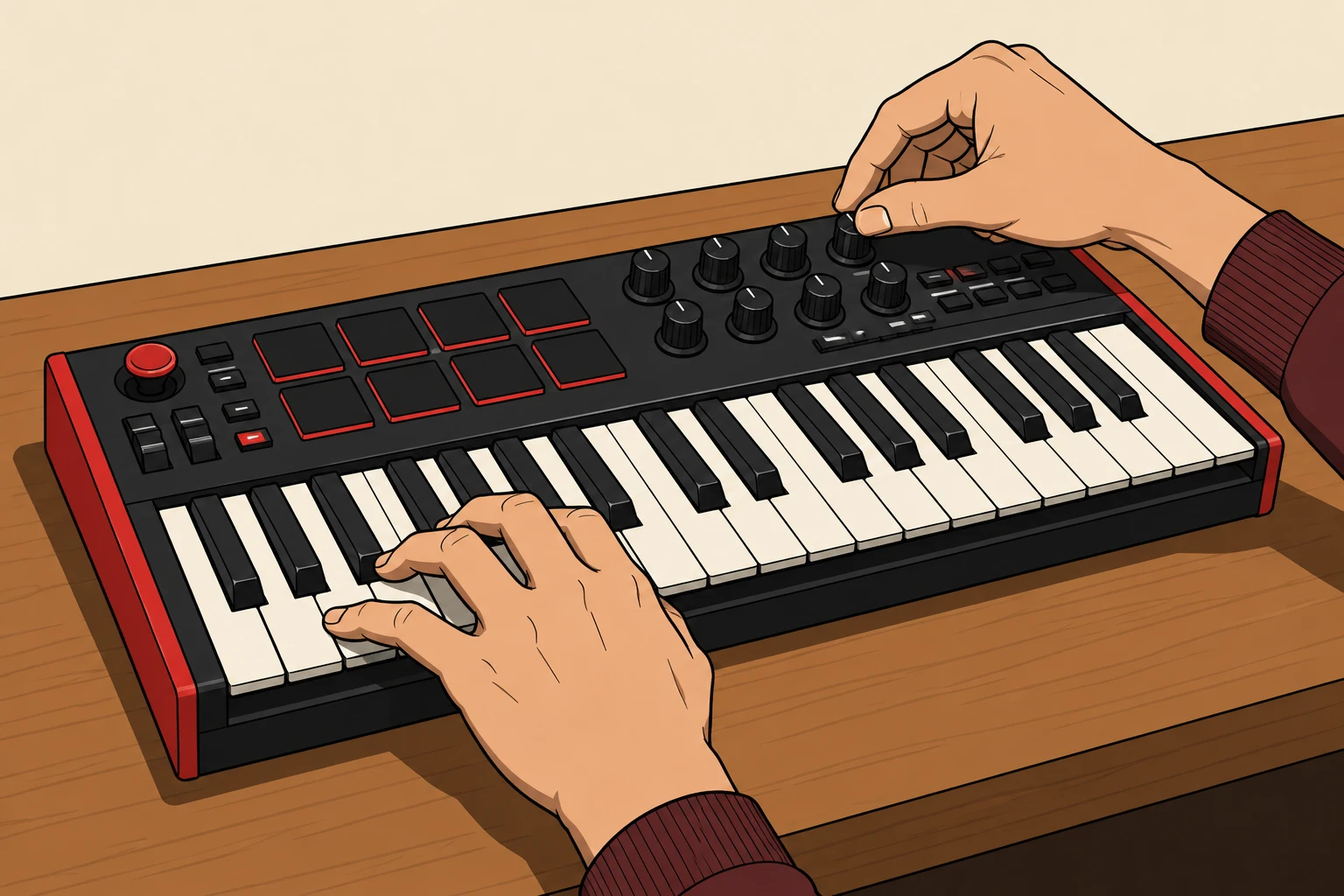
The built-in profile maps four pads to drums and four to the chord pads. Eight knobs address the main sound controls. The keyboard supports velocity, sustain and pitch bend, while MIDI Learn lets me adapt the mapping when a controller program uses different messages. That mapping is saved on the device I am using.
The MPK mini Plus has 37 mini keys, eight pads and eight rotary controls: a compact partner for the laptop. In Chrome or Edge, I connect it over USB, allow MIDI access and select the input in Obsidian. My hands can stay with the music while the browser does the sound generation.
The most interesting result of a model test is something I want to keep using.
Sander Oord / Building Obsidian
The test has a life of its own.
Building Obsidian brings together the things I enjoy: electronic music, visual design, interaction and the possibilities of AI. I set the direction and use the model to make it tangible. Then I get to hear whether those decisions work.
As the models improve, I can ask for more. The responsibility to listen, choose and refine stays with me. A feature earns its place when it helps me make music, and a visual idea earns its place when it makes the instrument easier or more inviting to use.
That is why I keep coming back to this test. It leaves me with an instrument, a set of design decisions and something new to play. Obsidian is ready to explore. Put on headphones, start quietly and see where your hands take it.